Expand description
§Why missing
When I was a Physics Ph.D. student in NYU in the late nineties, I took a course called UNIX tools in the CS department. It was a hands on course where the instructor did live REPL in the terminal and we watched him showing us all the tricks. I got hooked with UNIX since then. Got myself a dialup terminal in my tiny apartment in east village and dial in to the workstation on campus. The latency is so bad that I can’t only see the feedback after a few keystrokes. That was when I trained my vi muscle memory. (EMacs was out of the question.)
Later I got my own IBM 386 and installed Linux on it and started to program in Perl …
I am a big fan of Jon’s YouTube videos on Rust and I started to use Rust in non conventional ways.
I am going to follow this lecture series and “port” them to rustdoc and see how it goes.
§What was missing then
Back then I only had a dumb terminal without GUI. Not enough memory or bandwidth to run IDEs like Emacs with sophisticated key binding and buffers. Even copy and paste was hard. So I have to type the command by hand, no tab completion.
Note: as a matter of fact, we don’t even need an editor to create text files,
the text above was not inserted by an editor, although following is done via vi to save time:
cat <<EOF >> missing/missing-then.md
heredoc> Back then I only had a dumb terminal without GUI. Not enough memory
heredoc> or bandwidth to run IDEs like Emacs with sophisticated key binding and buffers.
heredoc> Even copy and paste was hard. So I have to type the command by hand, no tab completion.
heredoc>
heredoc> EOF§What is missing now
Our machines are orders of magnitude more powerful and we take orders of magnitude effort to accomplish the same tasks. We lost our muscle memory as well as real memory. We copy and paste but forgot what we have copied and where we copied from. We don’t stop and think about why and how.
More importantly, we let machine to automate the repetitive task and forget that repetition is the mother of learning.
§Interactive computing is NOT WYSIWYG
Thirty years later, I realized that the excitement I experienced at the UNIX tools class was actually about interactive computing. Every keystroke I typed, every output the terminal printed, every mistake I made and fixed had huge impact on me.
Somehow along the way, this interactivity was replaced by the concept of WYSIWYG (What You See Is What You Get).
We moved from Typewriters to Word Processors. Editor as a profession becomes editor as a machine, just like Computer as a profession becomes computer as a machine.
§APL demonstration 1975
Here is an example of non-WYSIWIG interactive computing with typewriter terminal.
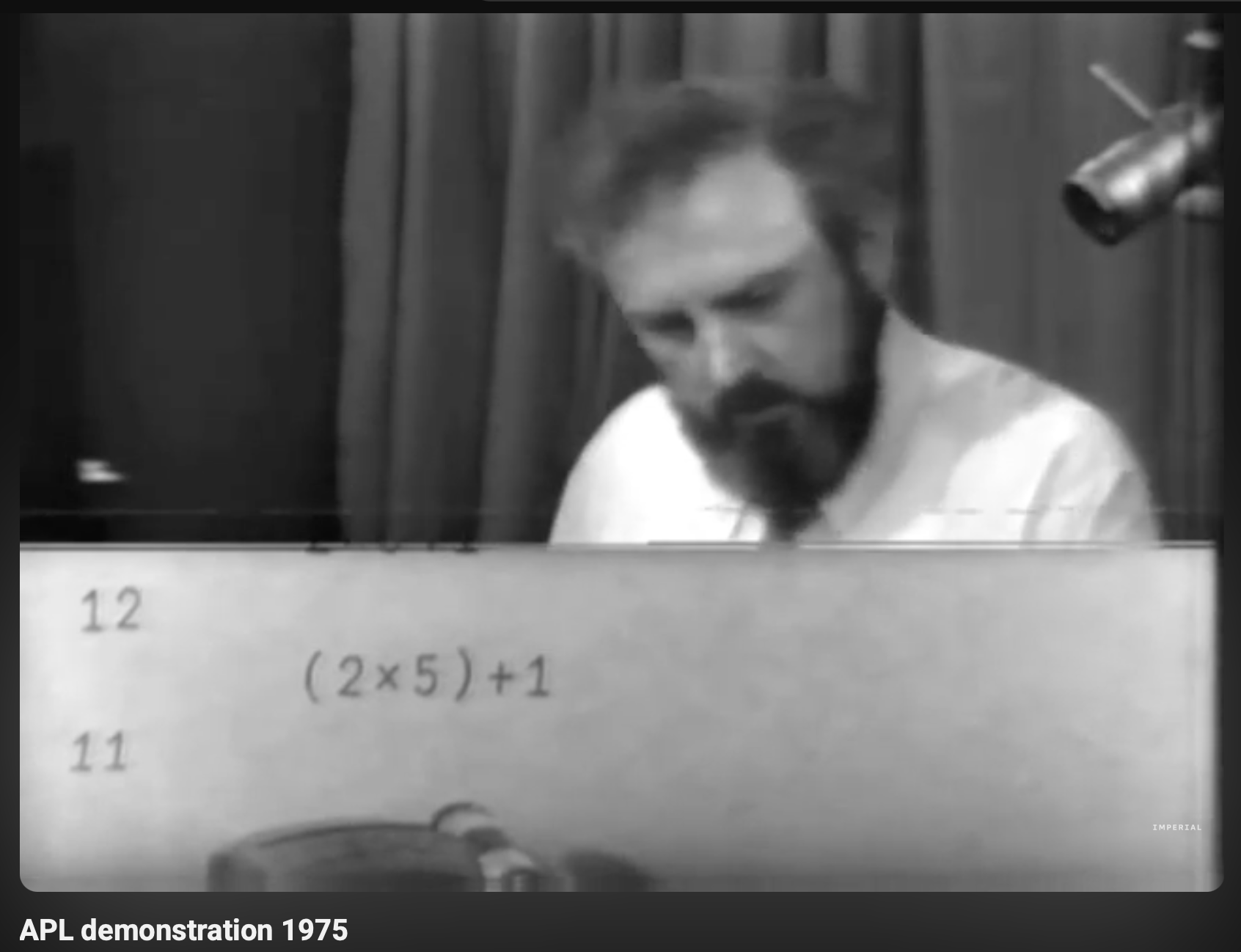
Here is an excerpt of Interview with Dr. Ken Iverson (1982):
It’s a printing terminal, and so it sounds and looks just like a typewriter. It’s not what most people use these days. I still find it the most convenient, although I use the others as well, primarily because a lot of the work that I do, I want to be able to actually have it printed, rip it off, lay it on my desk, and pour over it and modify it and so on. And to do the equivalent thing with the screens, the cathode ray tube screens, I don’t find anywhere near as convenient.
So this is not batch computing in the sense of submitting a deck of punch cards to the machine and waiting for the output but interactive workflow like a writer typing on a typewriter, reviewing, making corrections and repeating. This process is also called Read-Eval-Print Loop (REPL).
Another interesting side effect of this workflow is that it distinguishes
input from output. In UNIX system, the concepts of stdin, stdout
and stderr are not just for machine operation, but also for the user to make
a distinguish between them and therefore to have a concept of dataflow. This
becomes the foundation of UNIX
pipe.
(For Rust reference, see std::io::stdin, std::io::stdout, std::io::stderr and std::process::Stdio::piped.)
This is covered in [Lecture 1]: Course Overview + Introduction to the Shell.